Installing a CloudFunnels Funnel to the basepath of a domain or subdomain
Hello Folks, I will show you how to put your funnels on the base URL of the subdomain.
You can install CloudFunnels to the root path or the main domain and have people see CloudFunnels funnel when they visit the domain or you can put CloudFunnels in any subfolder or you can even put CloudFunnels on the main domain and have different subfolders
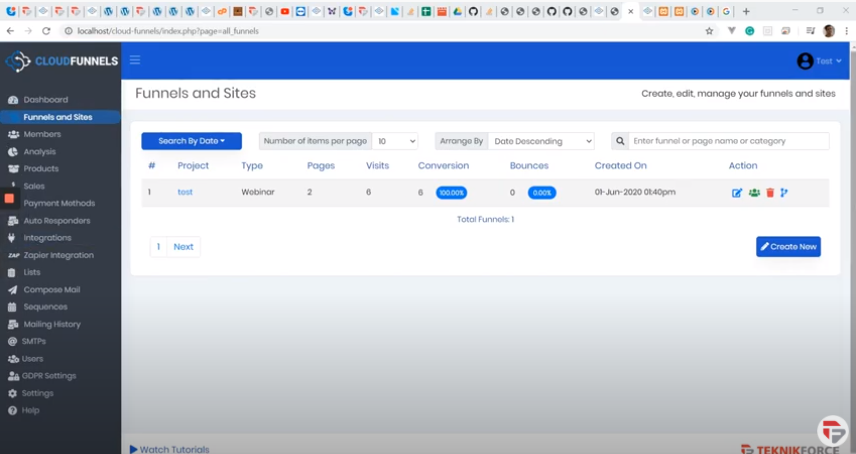
Watch the Video
To get started -
- Click on the Settings menu and you will be taken to the settings screen.
- You will see the Base URL where all the physical files of CloudFunnels are located and you can have CloudFunnels funnel either on this path itself or subfolder beyond this point.
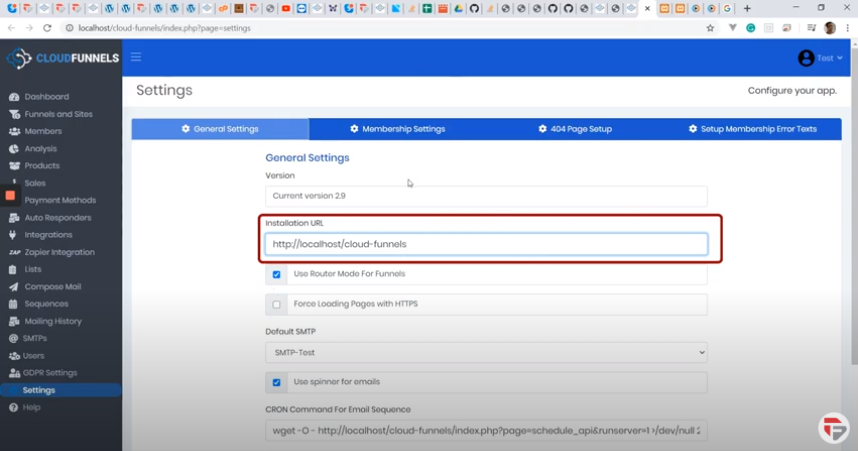
Let’s see how this works by creating a funnel
- Go to the Funnels menu
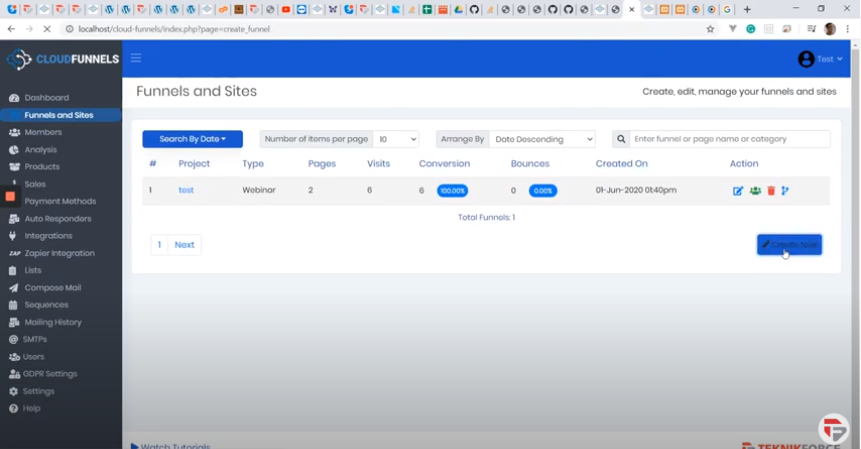
- Click the create funnel button
- Put the funnel name, I’ve written Root here and the URL of the funnel automatically changes to the base funnel.
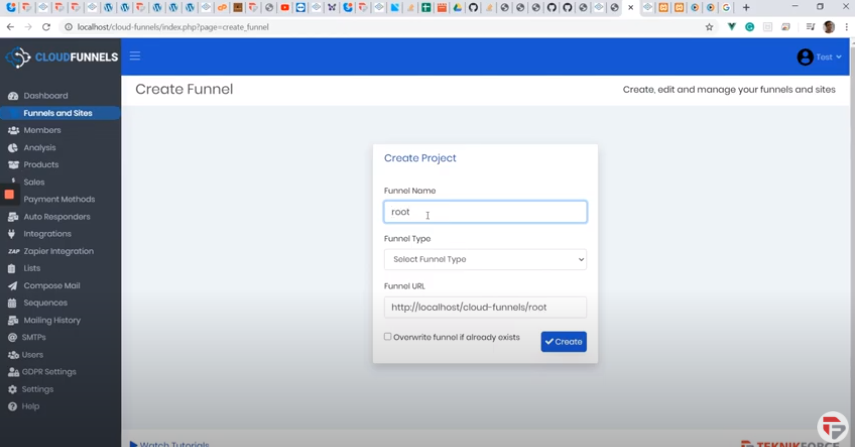
- But it’s not necessary that your funnel name should be as same as the URL. So what I will do this time is put in the same funnel name but delete the subfolder name.
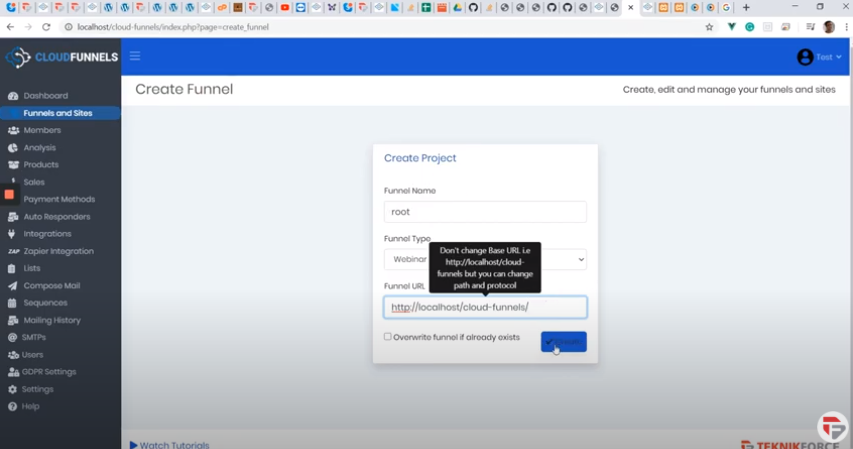
- To create this funnel click on create.
- I am going to put my default template there
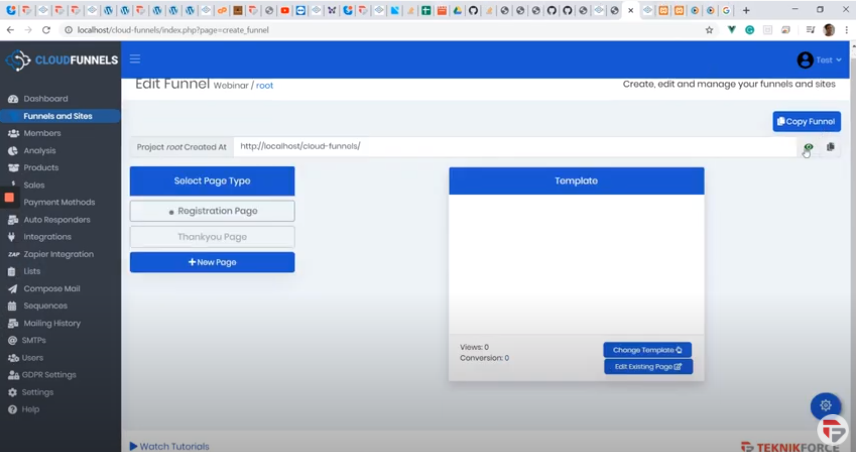
Now if I go to the base URL I will not see the funnel administration or the Login screen anymore, I will see the funnel itself.
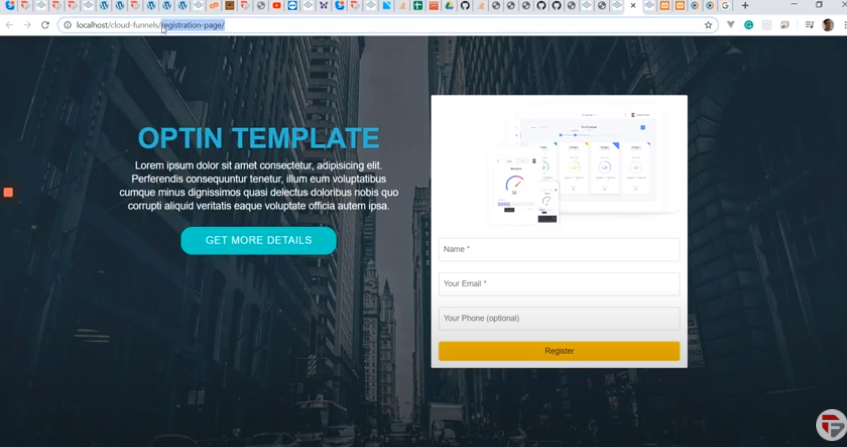
So all of my viewers and users are going to see the Funnel Optin page and they will be able to optin. They won’t see the login screen.
And if you want to see the Login screen it’s very easy all you need to do is instead of the registration page just put in Cf-admin and you will be taken to the CloudFunnels Administration area.
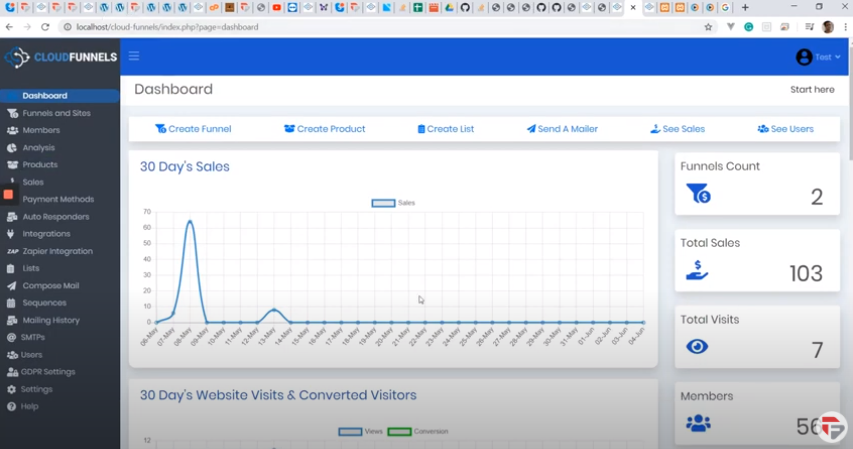
You can then manage your CloudFunnels area easily.