Import Templates into CloudFunnels
Hello Folks, Today I will show you how to import the CloudFunnels Templates that are a part of the CloudFunnel Pack.
Watch the Video
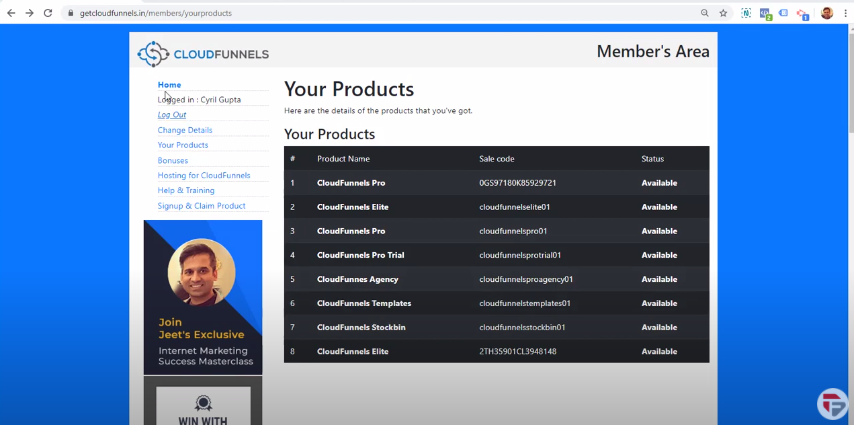
- First login to getcloudfunnels.in
- Go to the member’s area
- Click on the sidebar for your products and you will see a list of all the products that you’ve bought along with the license code and everything.
If you bought the ready-made funnels you will have access to call CloudFunnels templates to click on it and you will see the template pack.
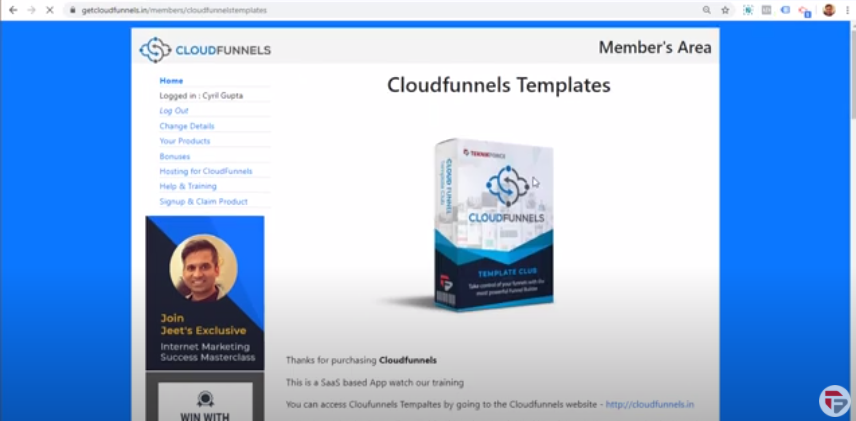
So you’ve got training, templates, and also the facility to download the CloudFunnels template.
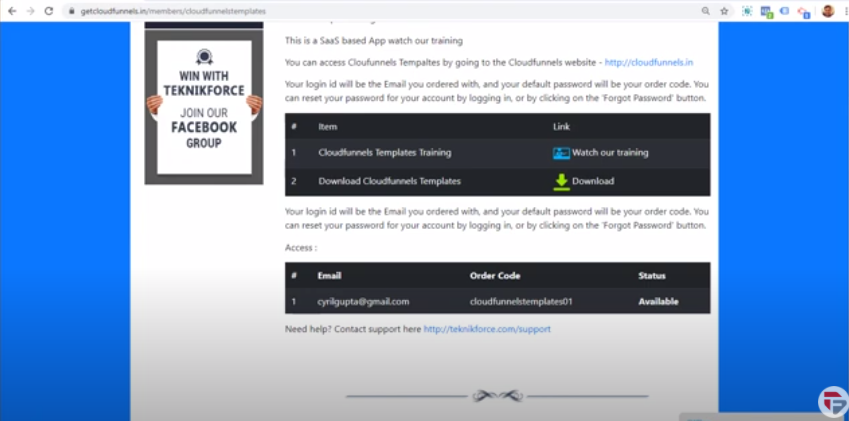
Click on Download file, it will take a few minutes to get downloaded.
So this was the Zip file that was downloaded, right-click, and tap on the extract.
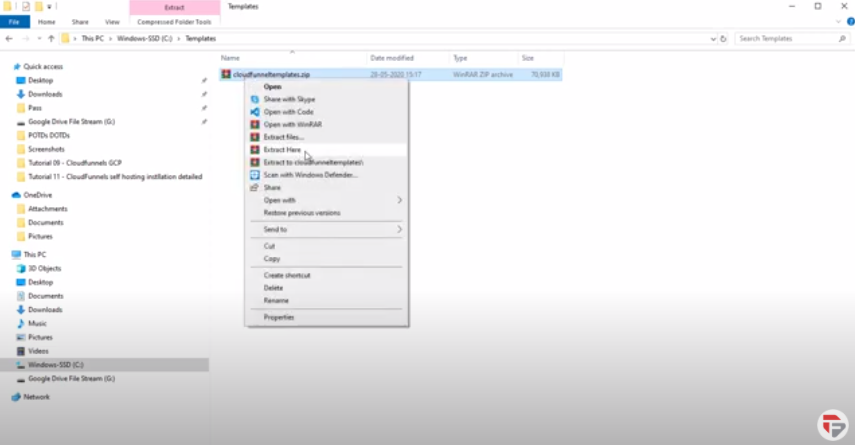
After extraction, it’s gonna give you a folder filled with template files.
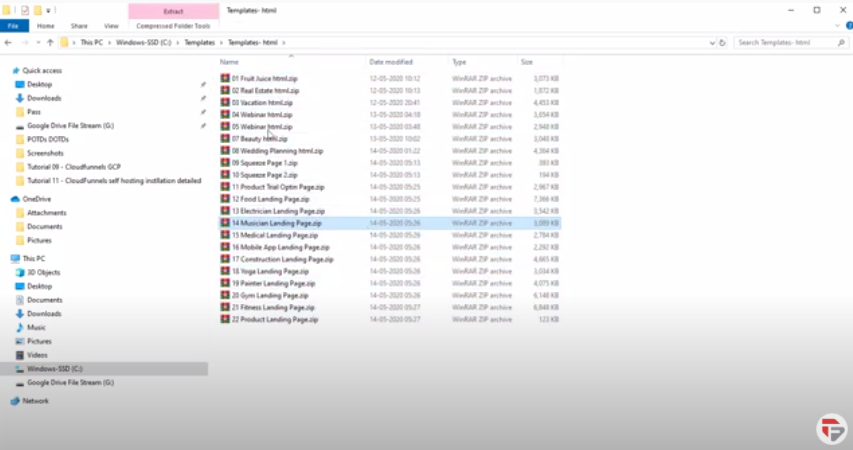
All of these are individual Zip files and each of them has the niche as you can check.
Now to use them with CloudFunnels, it’s very easy.
Let’s go to CloudFunnels, here I’m at my installation of CloudFunnels.
Remember you can’t use it with getcloudfunnels.com and you also cannot use it with getcloudfunnels.in
It is to be used inside with CloudFunnels or in the domain where you have installed CloudFunnels. For example, here it is on mechmarketers.com
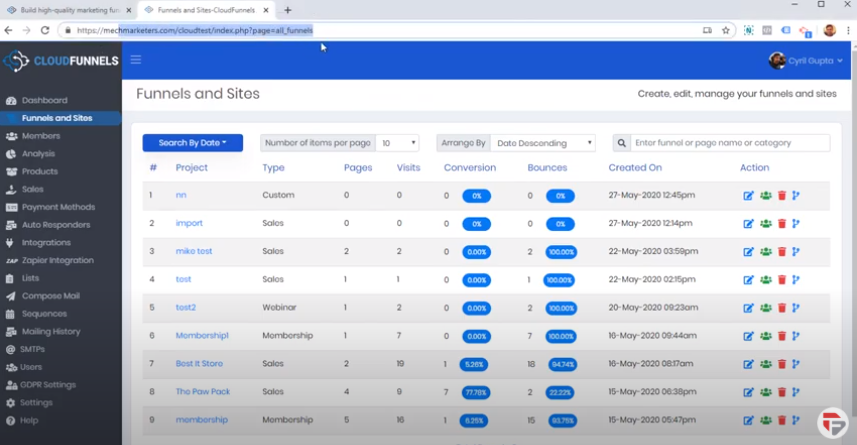
Now go into your funnels and click edit on any funnel.
- Click add page
- Click on Choose templates
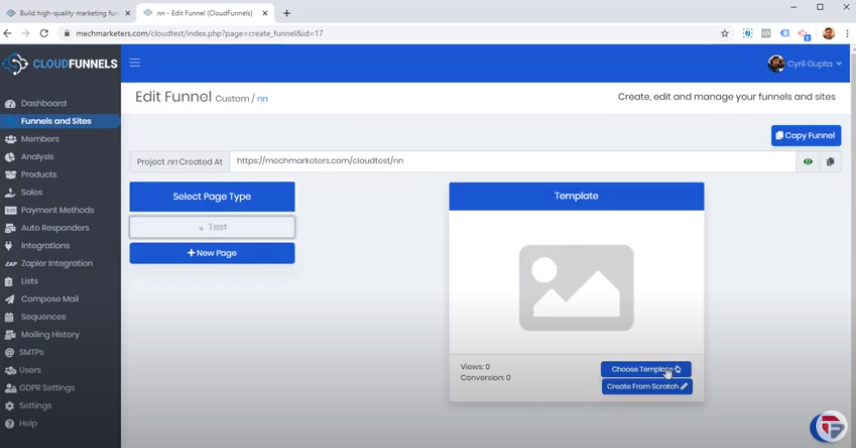
- Here you got a button which says import template
- Click on import template, it’s gonna ask you for a folder
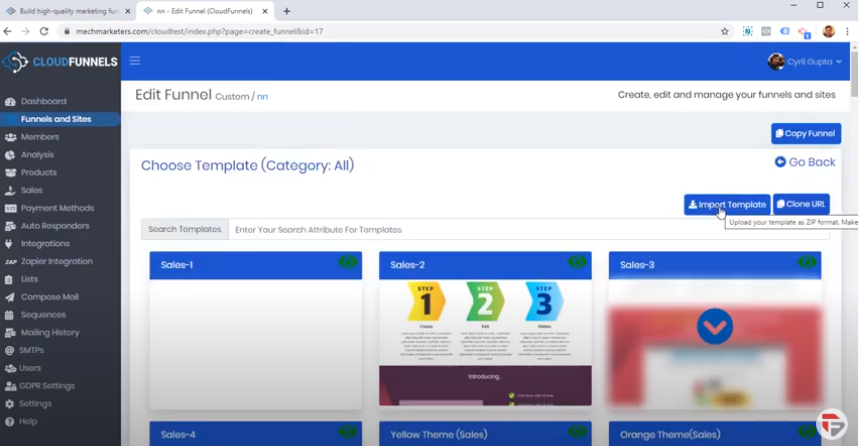
- Go into the templates directory where you have installed all the templates
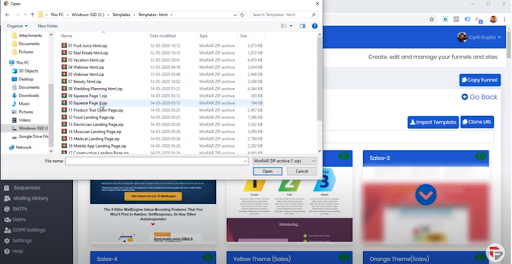
- You have to upload a zip file, double click on the file
- It will take a few minutes to Download
- You can see my template is cloned
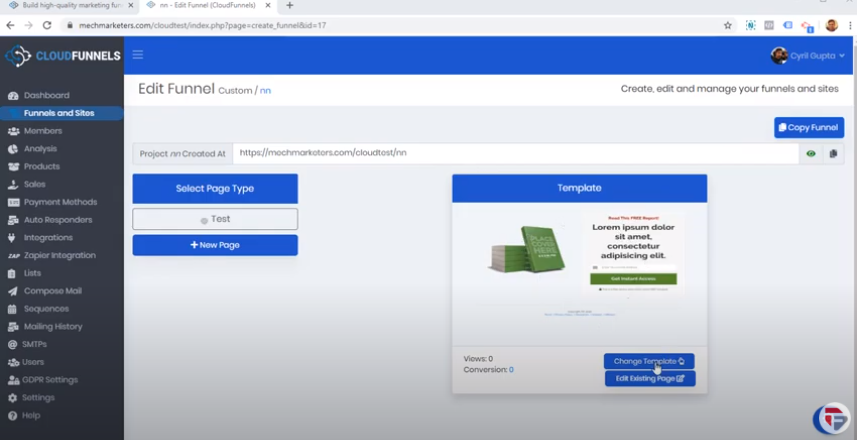
- Click on edit existing page
- This was the template that I had put in and I can now modify it the way i want.
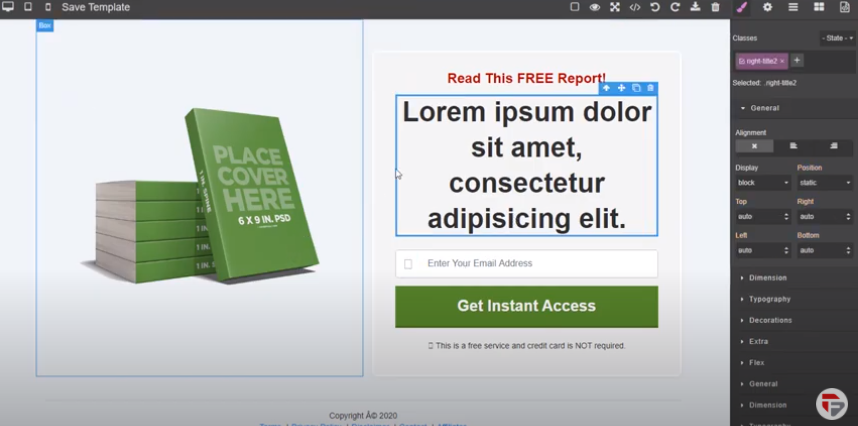
So this is how you import your templates from the template pack that we gave you. It is very easy, and you can get started right away.