CloudFunnels can copy any URL from the web
Hello folks, Today I’ll be telling you about another feature of Cloudfunnels that is unique and you will not find this feature in nearly any other funnel builder.
The first question that arises in mind to get started with Cloud Funnels is migration from existing Funnel Builders.
Cloud Funnels has this covered for you. In just a matter of minutes, you can get any template you want and even edit it
Watch the Video
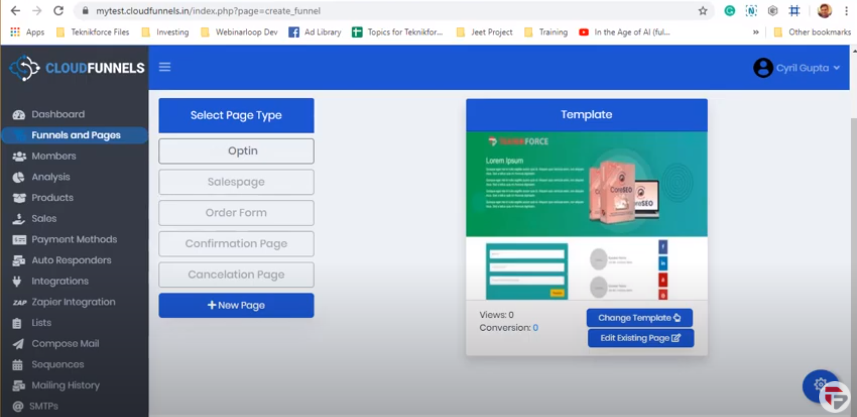
So now I’ve set up a new funnel, I’m on a page where I can set up templates for my funnel.
Click on the change template and you will see a number of ready-made templates of various niches like opt-in forms for different industries like dental, furniture, pets, and so on.
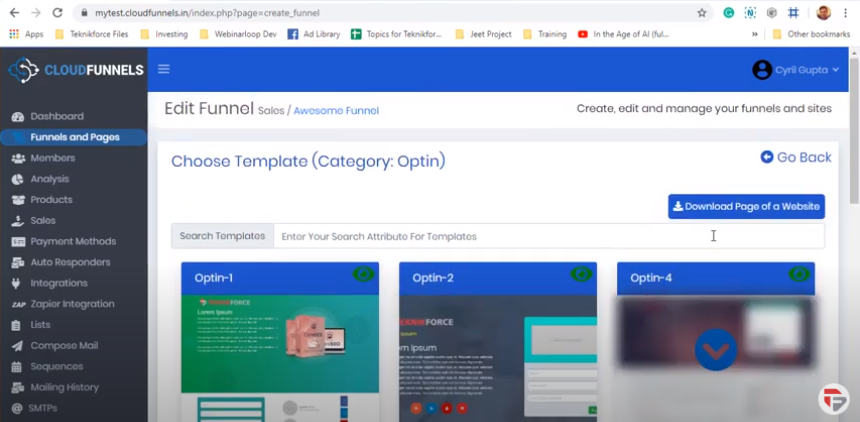
Right now what I’m gonna show is something amazing. You can actually pull a design of any webpage from the internet and apply it to your Cloudfunnels landing page.
So if you got any page or any competing funnel builder don’t worry about it just click on the Download page of a website button.
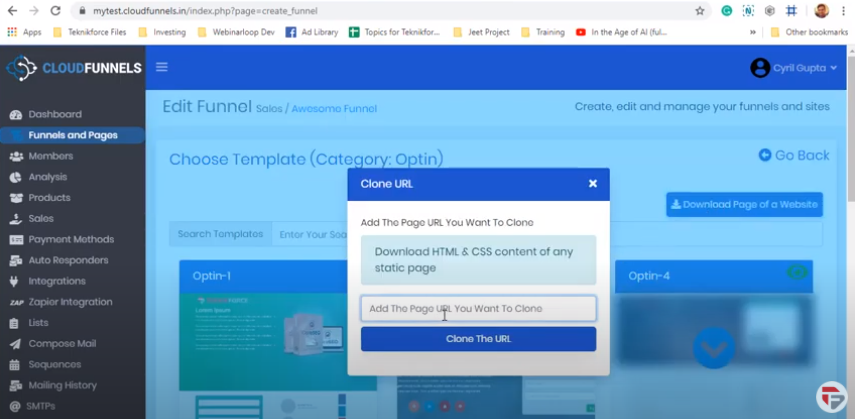
Pull in the Website URL and then click clone the URL
Now CloudFunnels will pick out all the resources from the website - The HTML, The CSS, and all the resources from that page in a matter of seconds.
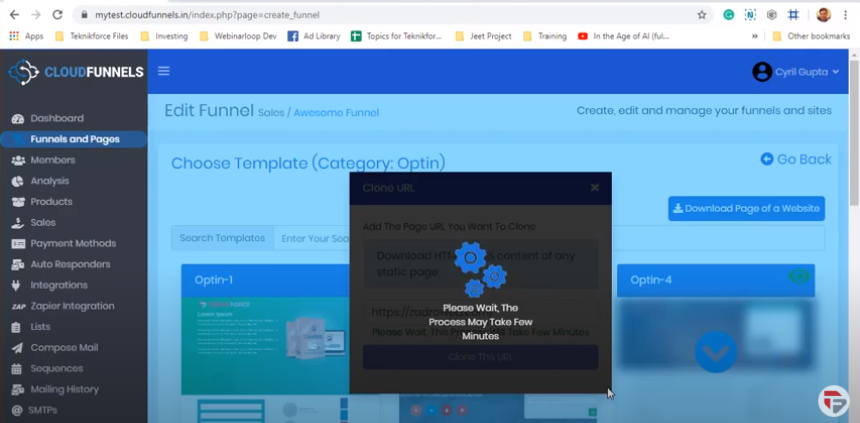
Okay, so now you can see my page over here, and now click on edit existing page.
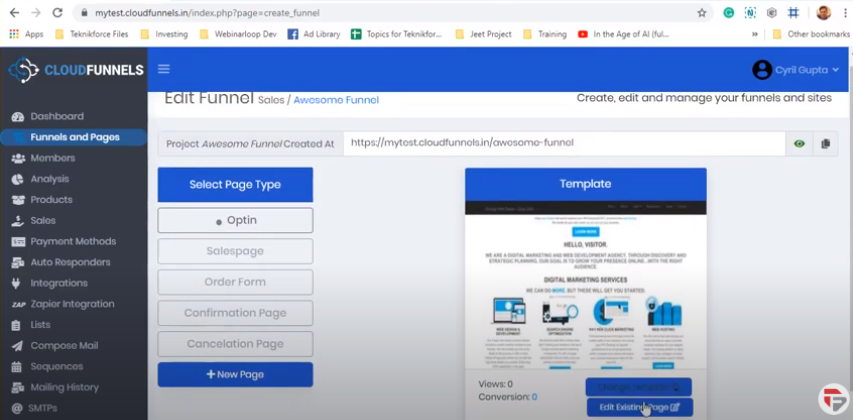
I can see my page inside of CloudFunnels funnel builder.
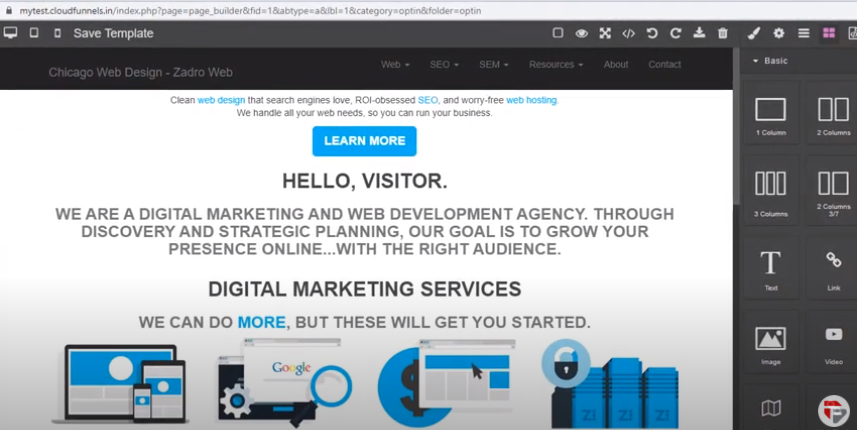
You can edit anything you want on the page from pictures to text to colors.
So in that way, you can pick out any page from the internet, or your own funnels designed by designers any HTML pages bring it to CloudFunnels in a couple of seconds.
So in just a matter of minutes, you can get any template you want and even edit it.